Start without an account
You do not need to give Journo your name or email before making an entry.
A private voice journal for iPhone
Open Journo when your head feels full. Speak without organising it first. Journo saves the recording and turns it into a clear entry you can read, replay and come back to.
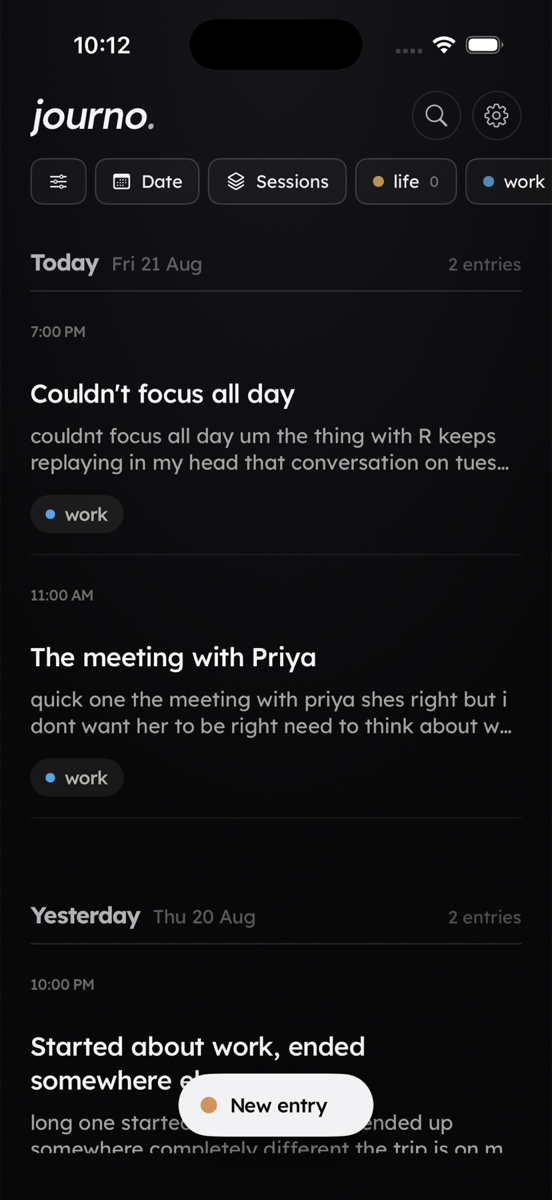
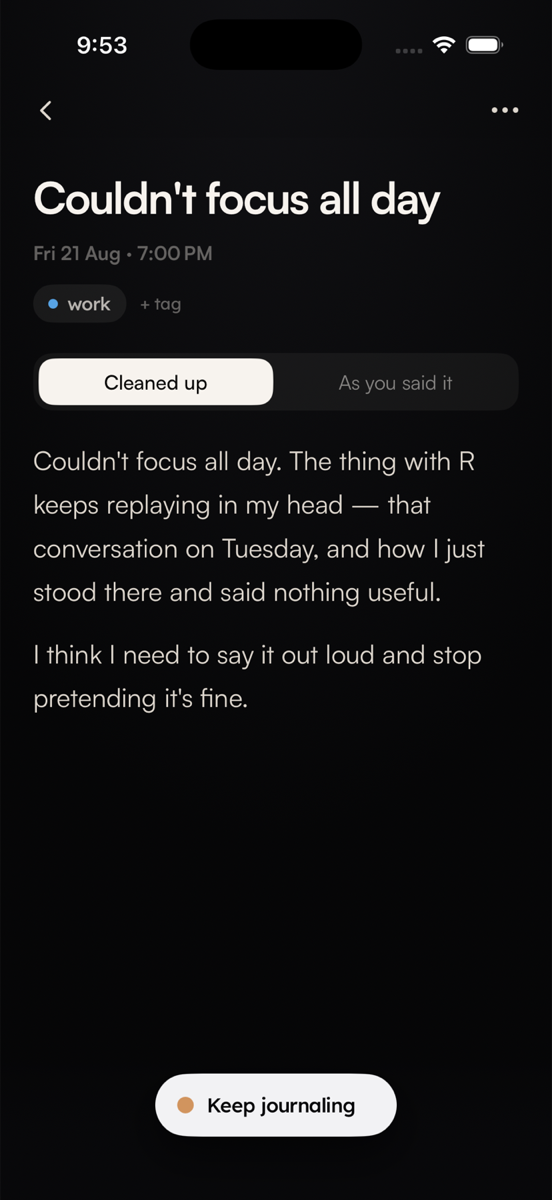
Talk, do not typerecord for as long as you need
Keep your voicereplay the original audio free
Read the thoughtget a clear journal entry
Keep it privateno account and no public feed
When Journo helps
Maybe you are replaying a conversation, sorting through a decision, carrying too many thoughts at once, or trying not to lose an idea.
You do not need a prompt or a polished first sentence. Open Journo and start with what is on your mind.
What happens after you open Journo
No blank page, no questions to answer, and no need to make the thought sound finished.
Pause, ramble or change direction. Speak for twenty seconds or twenty minutes.
Journo keeps a playable audio file on your phone before processing begins.
Read the exact transcript or a cleaned version with the filler and repetition removed.
Replay the audio, change the text, add tags, search it later or record more.
Listen before you download
This synthetic recording holds an ordinary evening, a good moment and a worry about tomorrow. Play it and compare the words for yourself.
“I keep thinking about tomorrow's presentation, though I know what I want to say. I think I am mostly worried that I will rush it and forget to breathe.”
“I think” stays “I think.” In this sample, Journo added paragraph breaks and a title; it changed no words in the entry. Other recordings can differ. Recorded test: August 22, 2026.
Read the full transcript and result 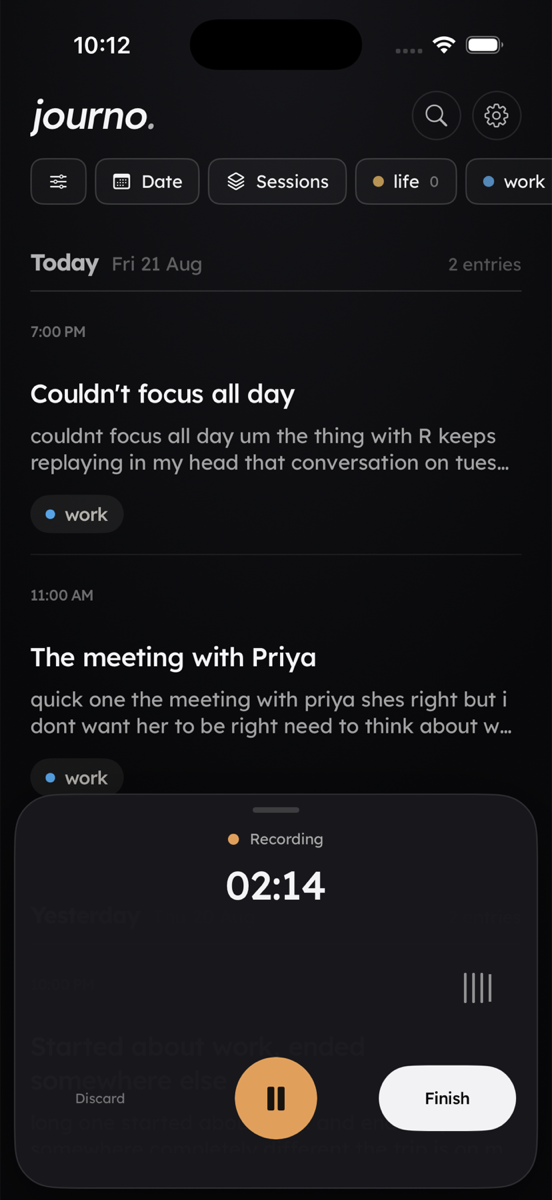
Your recording comes first
Some thoughts are hard to say twice. Journo saves the audio on your phone first, keeps it playable, uploads in the background and retries interrupted processing.
Built for private thoughts
You do not need to give Journo your name or email before making an entry.
The recording is kept on your device and may sync through your private iCloud. A temporary processing copy is sent to create the entry.
Use Face ID, remove entries from the app and iCloud, or request deletion of retained backend text through Support.
Why Journo exists
People carry conversations, worries, ideas, decisions and feelings alone because writing can feel slow and talking to someone is not always possible.
We built Journo to give those thoughts somewhere private to go. Say what is on your mind, see it clearly, and return to your life with less noise in your head.
Our goal is to help people spend less time trapped in mental noise and more time present for their lives. Technology should help you hear yourself, not tell you what to think. That is why Journo does not coach, diagnose or force a positive ending.
Explore Journo
See what voice journaling is useful for and whether speaking fits you.
Try itRescue one voice memoTurn an existing recording into an editable entry and portable audio-and-text archive.
LearnVoice journaling guidesStart simply, choose a method and learn what to test before trusting an app.
CompareChoose the right journalCompare Journo with apps that coach, respond or build a multimedia life archive.
Questions
Journo keeps the original recording and creates two ways to read it: an as-spoken transcript and a cleaned-up journal entry. You can replay, edit, tag, search or continue the entry later.
No. Journo is designed to preserve and clarify what you said, not diagnose, coach or tell you how to feel.
Your recording is saved locally before upload. Interrupted processing can retry when the connection returns, and the source audio stays available.
You can record entries of any length and replay your audio without Premium. Your first completed entry is fully readable. Later long entries include a free transcript preview; Premium unlocks the complete transcript.
Yes. Deleting an entry removes its local audio and journal content. Processing audio is removed after processing, with a seven-day cleanup safeguard. For deletion of retained processed text from the current App Store build, use the privacy request on the Support page.
When your mind feels full